













.svg)
.svg)

.svg)

.svg)
.png?width=512&height=512&name=guru%20(1).png)
.svg)


.png?width=199&height=109&name=salesforce-logo1-removebg-preview%20(1).png)




.svg)

.svg)
.svg)

.webp?width=716&height=569&name=banner-img%20(1).webp)




THE PROBLEM
No-shows turn into lost visits when recovery uses manual follow-up
Patients miss appointments or scheduled calls while they are still recently engaged.

Staff have to create tasks, call again later, and coordinate a new time manually.
.svg)
No-show lists get messy when teams cannot see who replied, rescheduled, or still needs help.

Warm patients go quiet when outreach does not happen right after the missed touchpoint.
How Meera recovers no-shows and missed appointments
1
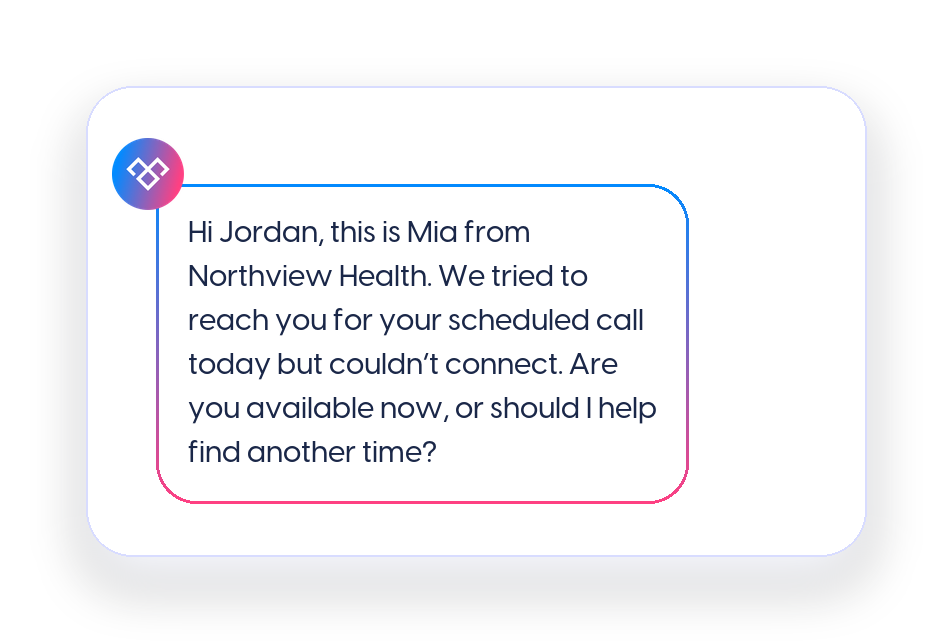
Trigger outreach when the missed touchpoint is logged
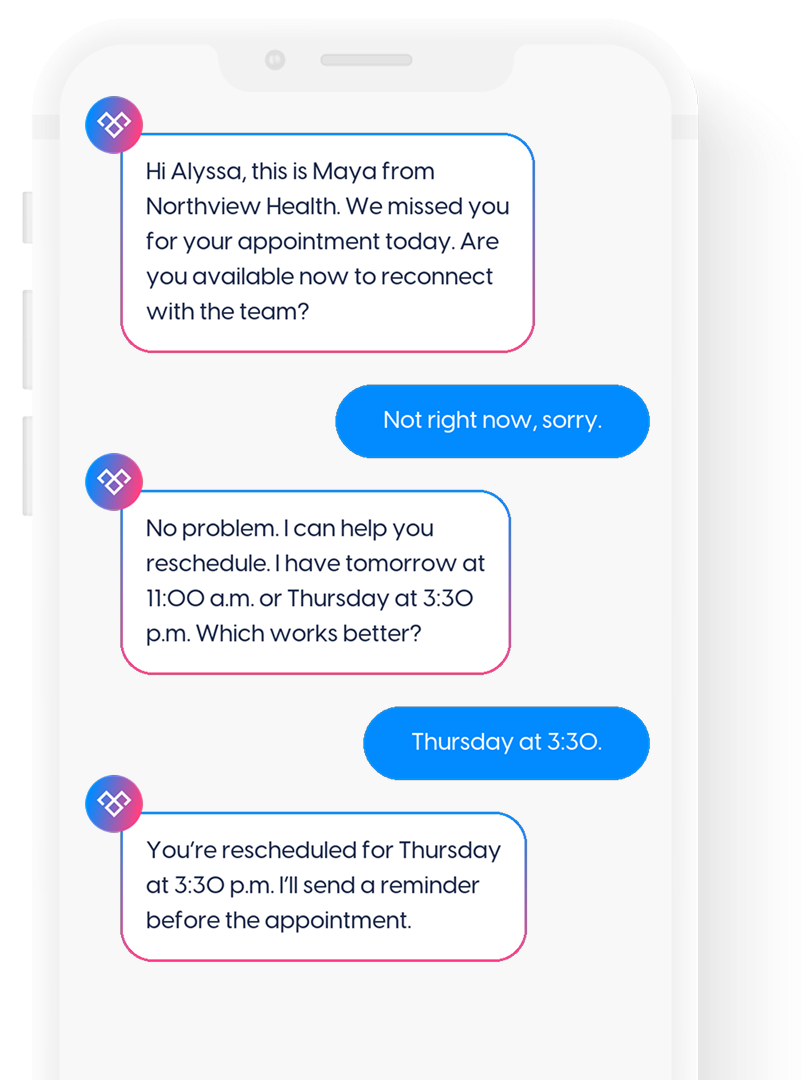
When an appointment is marked as a no-show, a patient misses a scheduled call, or a failed call attempt is logged, Meera can send a timely text while the context is still fresh.
That gives the patient a simple way to reconnect or reschedule without making staff create a task, leave another voicemail, and remember to follow up later.
2
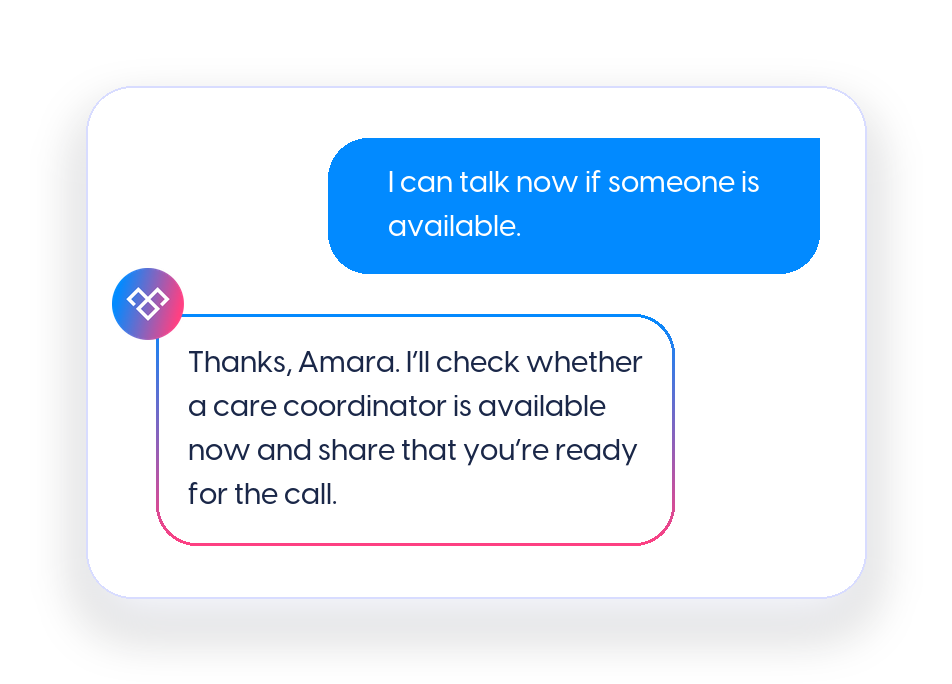
Ask one question that separates live connection from rescheduling
The first message should make the next step easy. Some patients can still talk now. Others need a new time. Some may have missed the appointment by accident and need help getting back on track.
Meera helps sort those replies so staff are not manually guessing who needs a live call, who needs scheduling, and who has not responded.
3
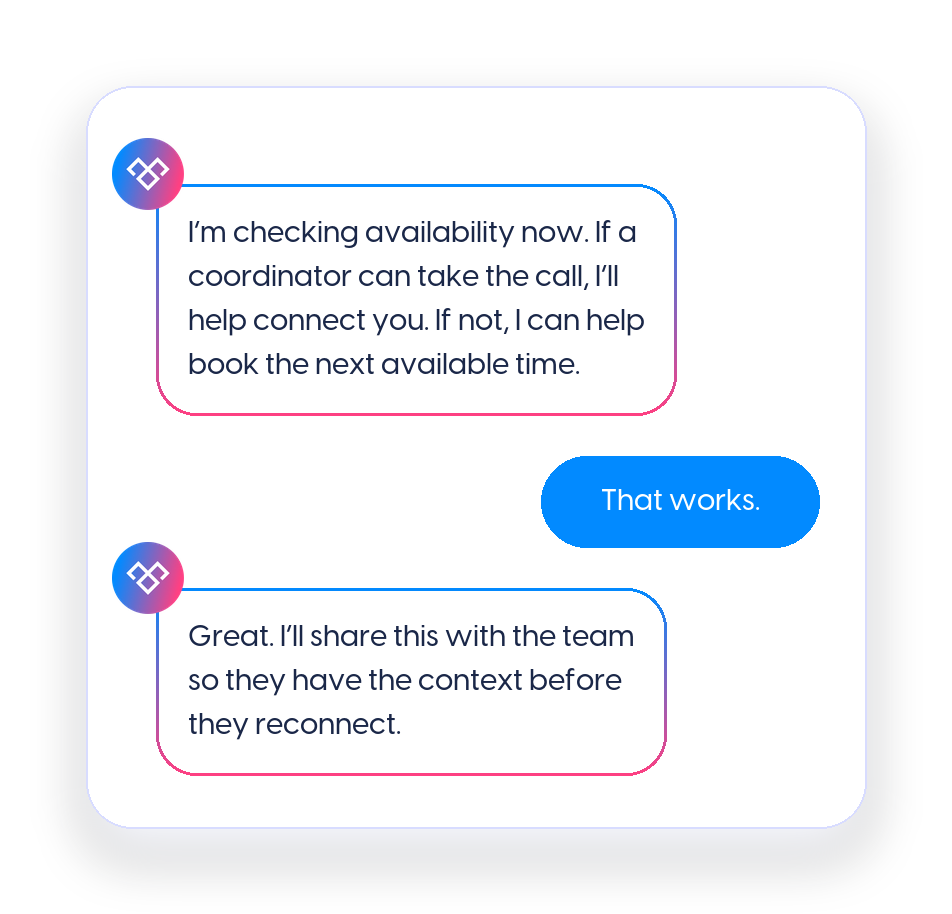
Route available patients to the right team member
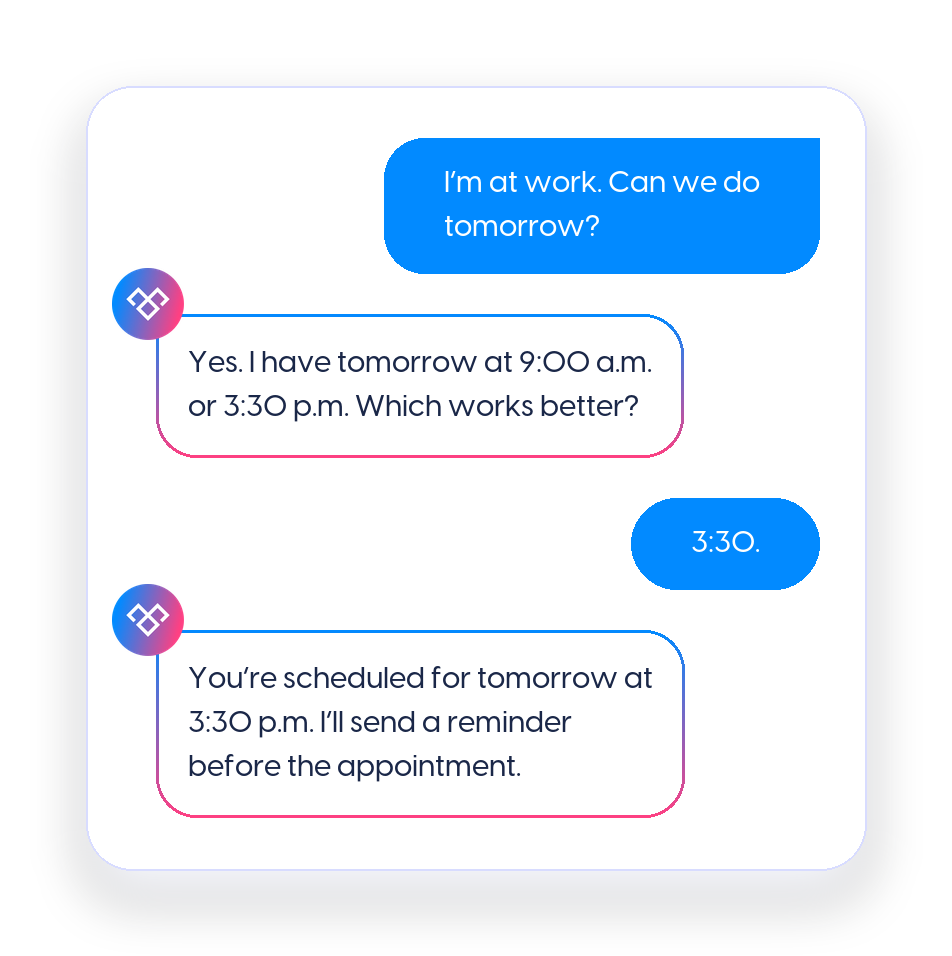
When a patient says they are available now, Meera can support a live handoff or warm call transfer when that workflow is configured.
This is especially useful after a failed call attempt because the patient may still be recently engaged. The goal is to reconnect while they are actively responding instead of sending staff back into another round of voicemail follow-up.
4
Move unavailable patients into rescheduling
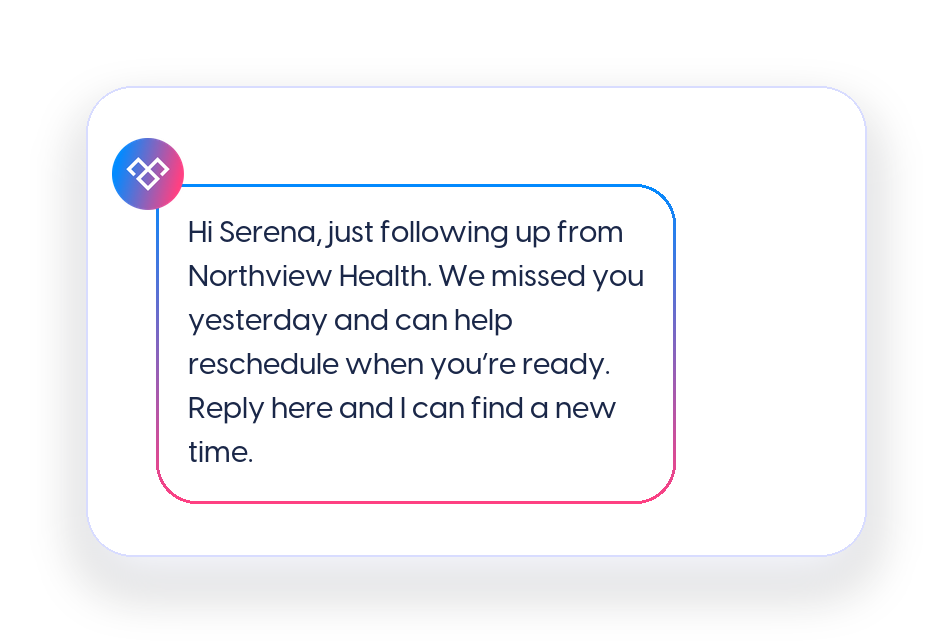
If the patient cannot talk immediately, Meera can offer appointment times, send the scheduling path, or capture the preferred time window based on the organization’s workflow.
This keeps rescheduling from becoming another task for the front desk. The patient gets a clear next step, and the team gets a cleaner status instead of an unresolved no-show.
5
Keep the recovery status clear for the team
No-show recovery works best when staff can see what happened after the missed touchpoint.
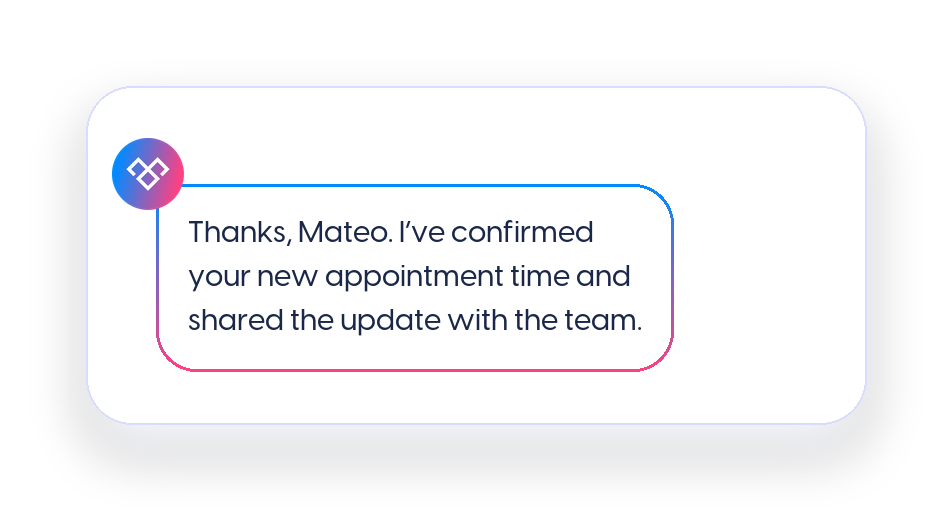
Meera can help capture whether the patient responded, connected live, rescheduled, asked for help, or did not reply after follow-up. That gives the team a clearer view of which patients are back on the calendar and which still need attention.
Meera helps healthcare teams turn missed appointments and failed calls into a structured recovery workflow instead of another list of manual follow-up tasks.
6
Follow up when the patient does not respond
Not every patient replies to the first recovery message. Meera can support a short follow-up sequence based on the organization’s approved process, so non-response does not disappear into a manual queue.
The follow-up can remind the patient of the missed appointment or call, offer a new scheduling path, and provide a simple way to reconnect without making the message feel punitive.
Why texting works better than calls or email
No-show recovery depends on timing. Patients may miss the appointment and still be willing to reconnect, but another voicemail or portal message is easy to miss. Meera helps teams keep missed-appointment recovery moving without asking staff to manually chase every no-show.

Patients can respond while the missed visit is still fresh

Available patients can reconnect without another phone chase
Unavailable patients can choose a new time right away
Turn missed visits into rescheduled appointments
Meera helps healthcare teams follow up after no-shows and failed calls, route available patients to staff, guide unavailable patients into scheduling, and keep recovery moving without adding more tasks to the front desk.