




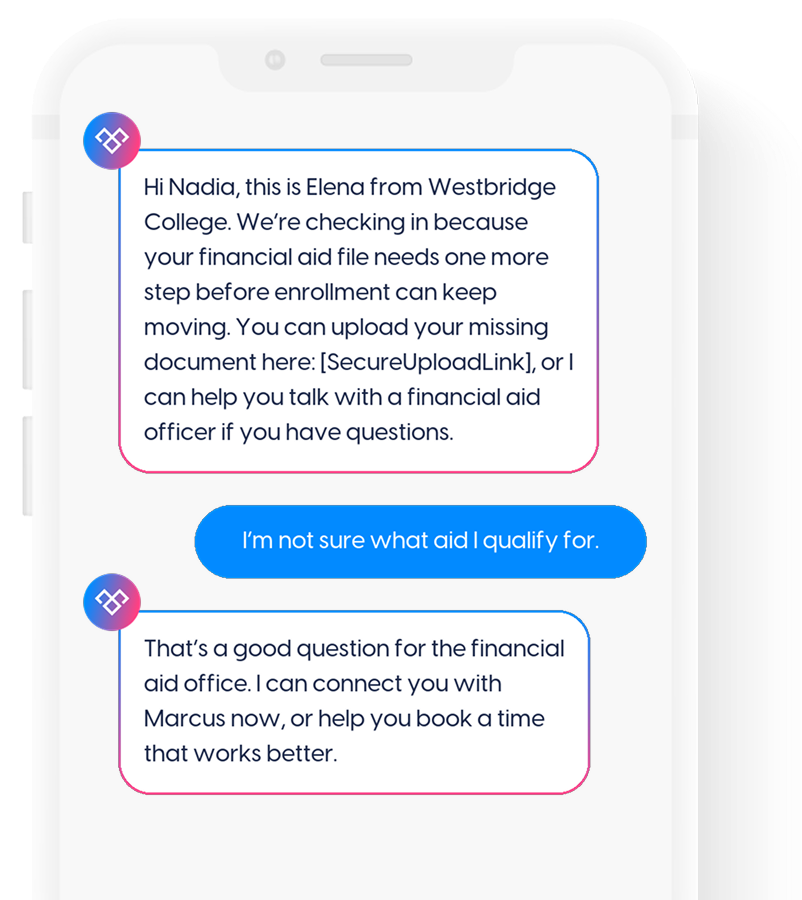
Help students clear financial aid blockers faster
Meera helps education teams follow up on aid questions and missing documents, guide students to secure upload, and connect them with financial aid officers when human help is needed.

 Higher Education
Increase your application rates
Higher Education
Increase your application rates
 Insurance
Automate policy renewals and sales tasks
Insurance
Automate policy renewals and sales tasks
 Contact Centers
Improve your connect rates
Contact Centers
Improve your connect rates
 Financial Services
Sign more loan applications
Financial Services
Sign more loan applications
 Home Services
Increase your appointments set rates
Home Services
Increase your appointments set rates
 Healthcare
Convert more inquiries into appointments
Healthcare
Convert more inquiries into appointments
 Legal
Convert more legal leads into clients
Legal
Convert more legal leads into clients
 Qualify & Nurture Leads
Automate lead follow up and engagement
Qualify & Nurture Leads
Automate lead follow up and engagement
 Transfer Warm Calls to Agents
Connect ready-to-buy leads with agents automatically
Transfer Warm Calls to Agents
Connect ready-to-buy leads with agents automatically
 Manage Events
Provide an easier way for people to register and attend
Manage Events
Provide an easier way for people to register and attend
 Schedule Appointments
Set up meetings and demos with less effort
Schedule Appointments
Set up meetings and demos with less effort
 Operations Automation (Coming soon)
Get notified when our new operations automation platform is ready.
Operations Automation (Coming soon)
Get notified when our new operations automation platform is ready.
.svg) How Meera Works
See how Meera automates tedious sales tasks
How Meera Works
See how Meera automates tedious sales tasks
.svg) Multilingual texting
Meera can text and translate 90+ languages
Multilingual texting
Meera can text and translate 90+ languages
 Inbound Marketing
Scan a QR code or tap a link to open a pre-filled text.
Inbound Marketing
Scan a QR code or tap a link to open a pre-filled text.
.svg) Compliance Control
Keep your messaging compliant — without any guesswork
Compliance Control
Keep your messaging compliant — without any guesswork
 How Meera Is Different
Learn why more businesses are switching to AI text messaging
How Meera Is Different
Learn why more businesses are switching to AI text messaging
.svg) Channels
Learn how Meera uses SMS, Voice, Email, and more to reach leads on the right channel at the right moment.
Channels
Learn how Meera uses SMS, Voice, Email, and more to reach leads on the right channel at the right moment.
.png?width=512&height=512&name=guru%20(1).png) Expert Guidance
Discover how working with a Meera AI expert helps you reach your goals
Expert Guidance
Discover how working with a Meera AI expert helps you reach your goals
.svg) DialogueDesign™
See why Meera is different than any other sales automation platform you've tried.
DialogueDesign™
See why Meera is different than any other sales automation platform you've tried.
 Integrations
Easily integrate Meera with your tech stack
Integrations
Easily integrate Meera with your tech stack
 Five9
Five9
.png?width=199&height=109&name=salesforce-logo1-removebg-preview%20(1).png) Salesforce
Salesforce
 Hubspot
 Zoho
Zoho
 Blog
Helping sales and marketing professionals succeed with automation and AI
Blog
Helping sales and marketing professionals succeed with automation and AI
 Case Studies
Read how our clients are using Meera to win more business.
Case Studies
Read how our clients are using Meera to win more business.
 E-books
Plan a conversational AI strategy that works for your team.
E-books
Plan a conversational AI strategy that works for your team.
 Use Cases
Discover exactly how Meera can help your team.
Use Cases
Discover exactly how Meera can help your team.
 Conversational AI Glossary
Terminology at a Glance
Conversational AI Glossary
Terminology at a Glance
.svg) Build vs Buy
Skip the build. Get qualified conversations faster.
Build vs Buy
Skip the build. Get qualified conversations faster.
 About Us
Who we are, What Meera does, Leadership Team
About Us
Who we are, What Meera does, Leadership Team
.svg) Contact Us
Reach out to the AI experts today
Contact Us
Reach out to the AI experts today
.svg) Press
News and announcements
Press
News and announcements
 Careers
Interested in joining Meera? Explore our job opportunities!
Careers
Interested in joining Meera? Explore our job opportunities!
 Events
Meet our team face to face
Events
Meet our team face to face
.webp?width=716&height=569&name=banner-img%20(1).webp)
THE PROBLEM

Students may not understand their aid options, funding eligibility, costs, or next steps.
.svg)
Financial aid teams spend too much time chasing FAFSA, verification items, and required documents.
.svg)
Students with aid questions often delay action until they can speak with the right person.
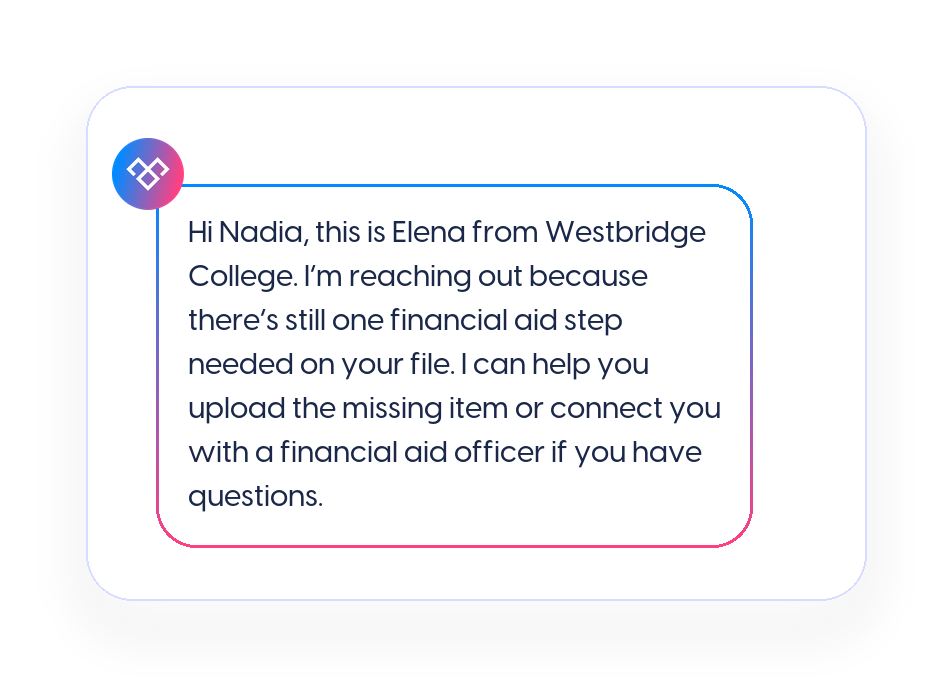
1
Meera can support follow-up when a student has an outstanding FAFSA step, missing document, funding question, or financial aid appointment need. The message gives the student a clear next step before confusion slows the enrollment process.
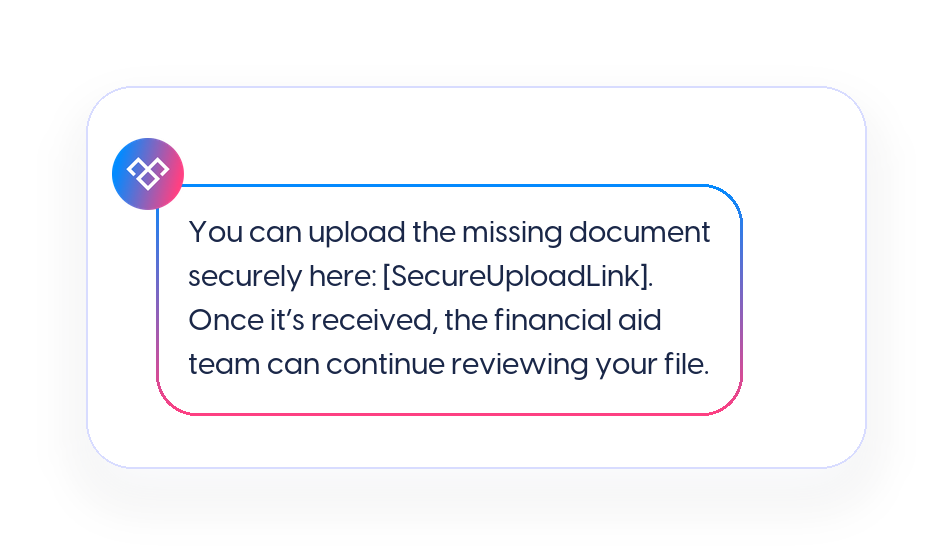
2
For missing documents, Meera can direct students to the school’s approved upload process instead of asking them to send sensitive information by text. The reminder stays simple, and document submission stays inside the right system.
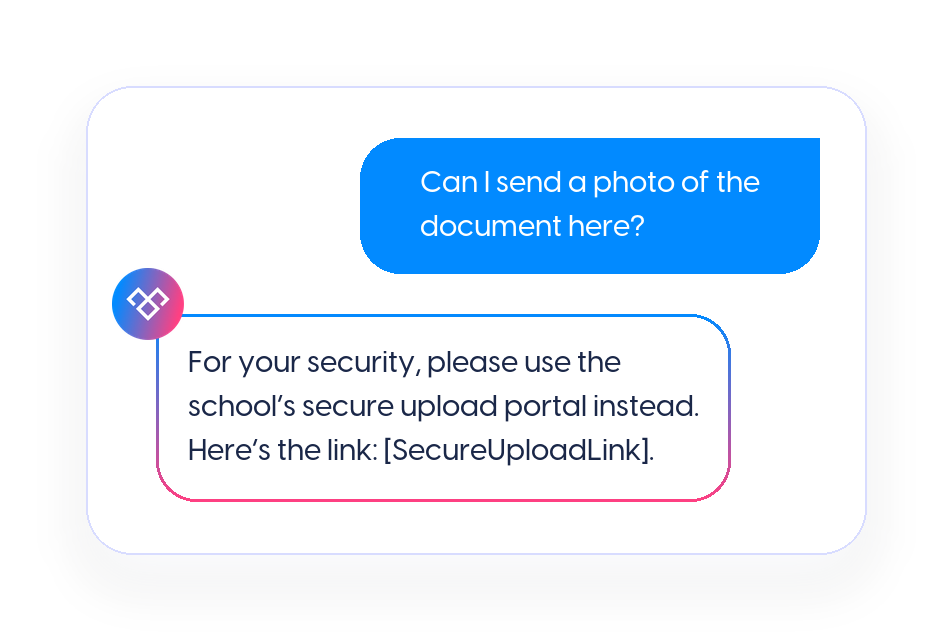
3
Students may need help understanding where to upload a file, how to book an appointment, which office to contact, or what step comes next. Meera can support approved logistical answers and route questions that require staff review.
4
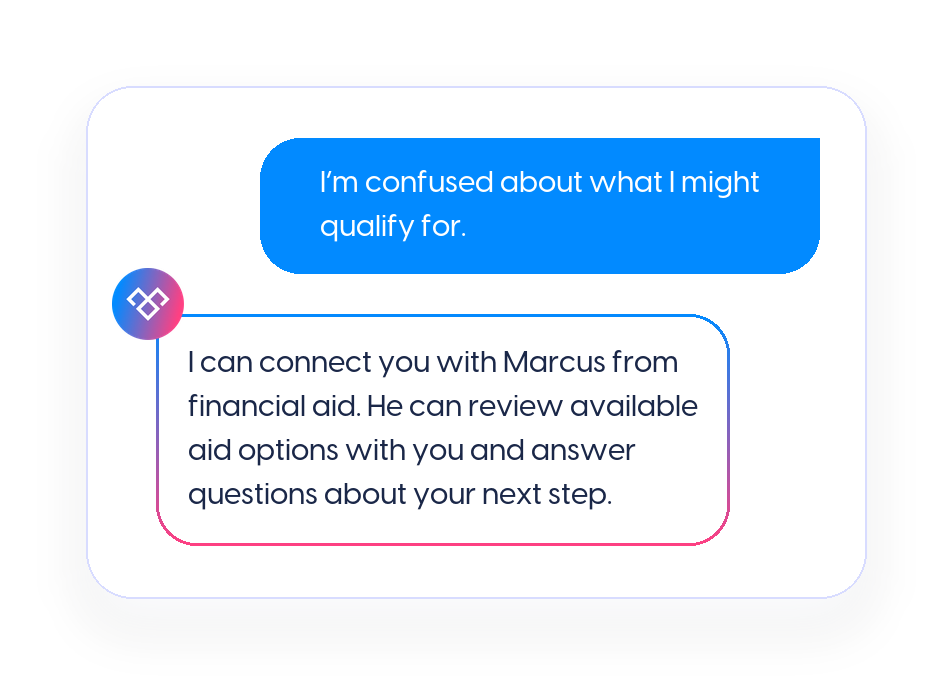
Questions about funding eligibility, aid options, awards, verification, costs, or a student’s specific file should go to staff. Meera can capture the student’s concern and route the conversation so the financial aid officer knows what the student needs help with.
5
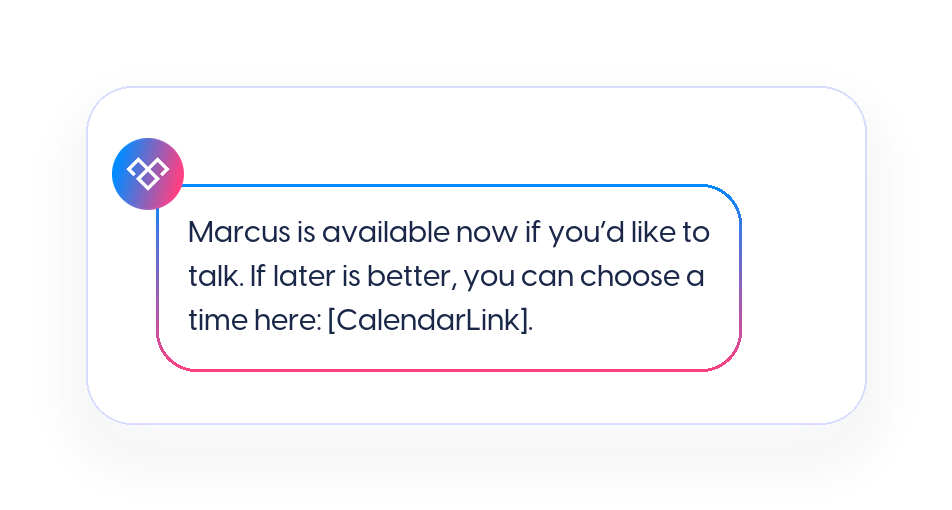
When a student is ready to talk, Meera warm transfers the call to a financial aid officer. If the student is not available for a live call, Meera can help them book a conversation using a scheduling link.
6
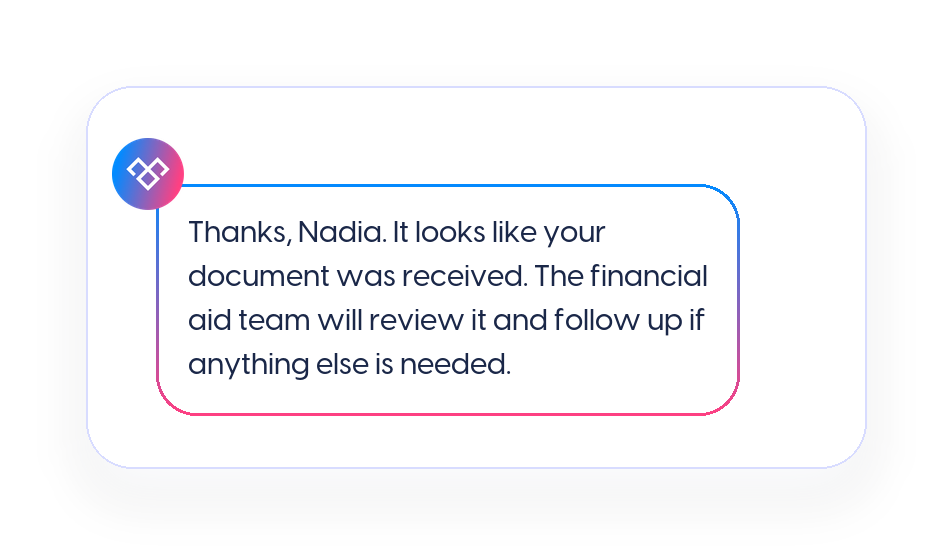
When the required document is received and the school’s system updates, Meera can stop the reminder sequence. That helps teams avoid sending unnecessary follow-ups after the student has already completed the task.
Financial aid questions and missing documents are easier to resolve when students can act quickly from their phone. Calls are easy to miss, emails get buried, and portal reminders are often ignored until the next step feels clear.
.svg)
Students can respond when aid or document questions are top of mind.

Staff can focus on conversations that need financial aid expertise.

Document follow-up can stop once the item is received.
Meera helps education teams follow up on aid questions and missing documents, guide students to secure upload, and connect them with financial aid officers when human help is needed.